Process Payments
The system processes most payments automatically. Sometimes you must process a payment manually.
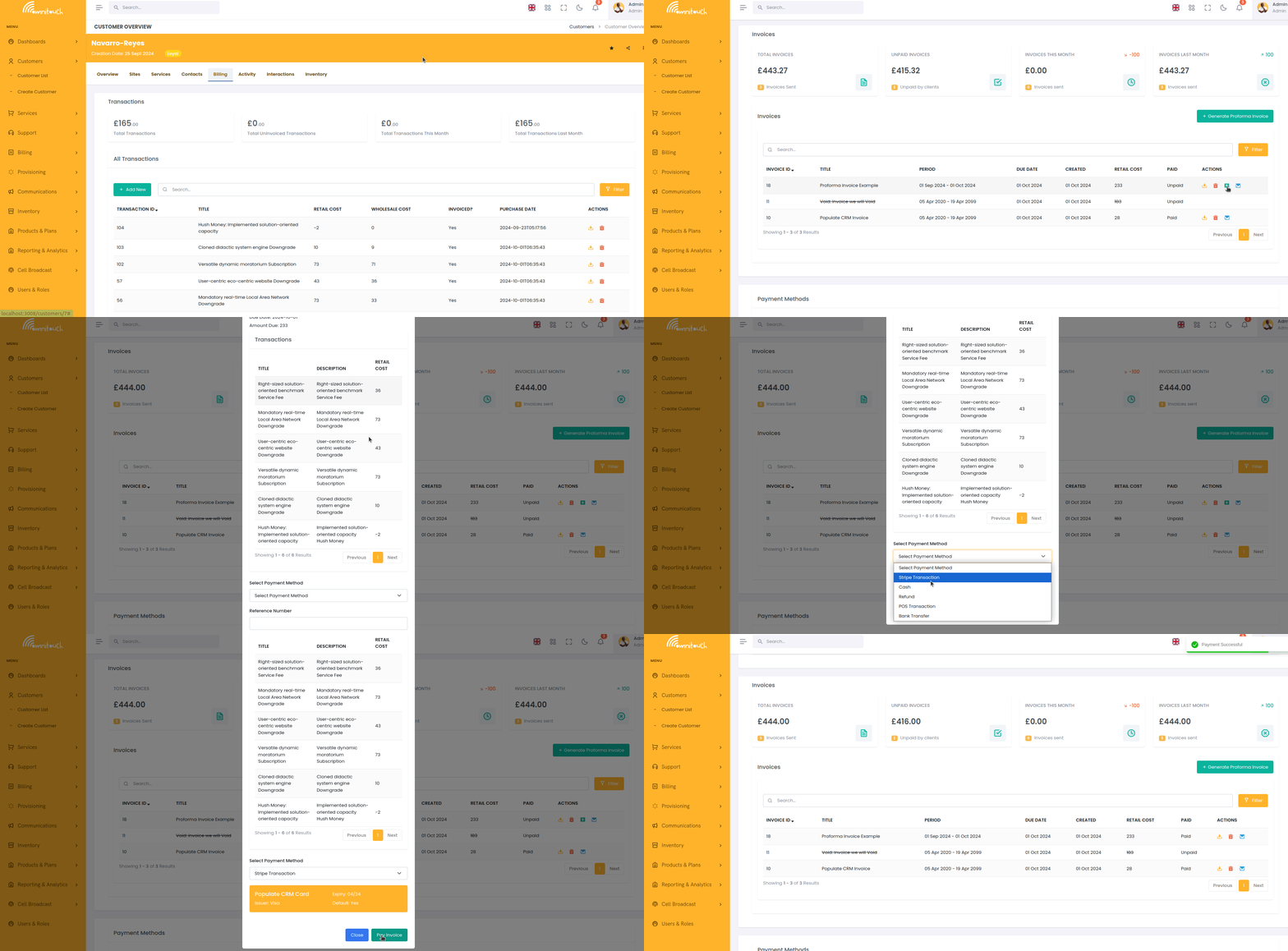
To pay an invoice, select the unpaid invoice, and click on the "Pay" button.
This will open a payment form, where you can enter the payment method, and click "Submit" to process the payment.
The customer will automatically receive a receipt for the payment, and the invoice will be marked as paid.
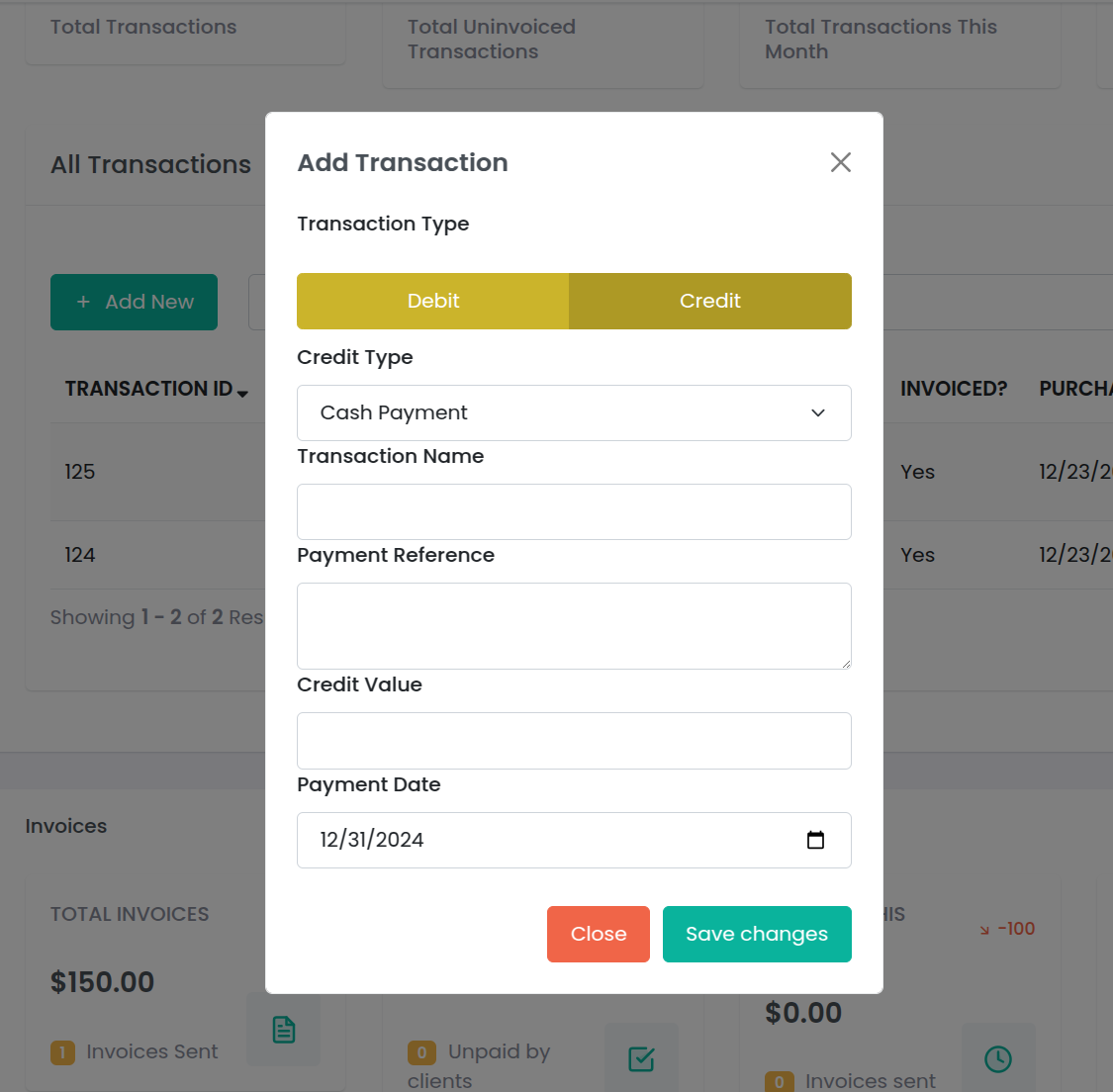
For bank transfers, enter the Payment reference. Also enter the date the payment was made, if it is different from the current date.