HSS: Home Subscriber Server
The HSS (Home Subscriber Server) is the master subscriber database for the mobile core. It holds every subscriber's identities (IMSI, MSISDN and SIM/ICCID), the authentication key material that proves who they are, and the EPC, IMS, PCRF and roaming service profiles that state what each subscriber can do on the network. The MME reads it over S6a to authenticate and locate a device and to learn its EPC subscription. The CSCF reads it over Cx for IMS registration and iFC service triggers. The PCRF draws its policy and charging rules from it. An operator uses its dashboard to provision and search subscribers, curate the shared service profiles, and check the HSS's own health.
The dashboard is a per‑instance element page. It opens from the sidebar when an HSS runs in the site's inventory. All traffic goes through the OmniWeb backend proxy to the HSS's API, so it stays behind the single authenticated gateway. Responses come back in a {status, response} envelope. A documentation link in the page header gives in‑context help. The page has tabs.
Subscribers
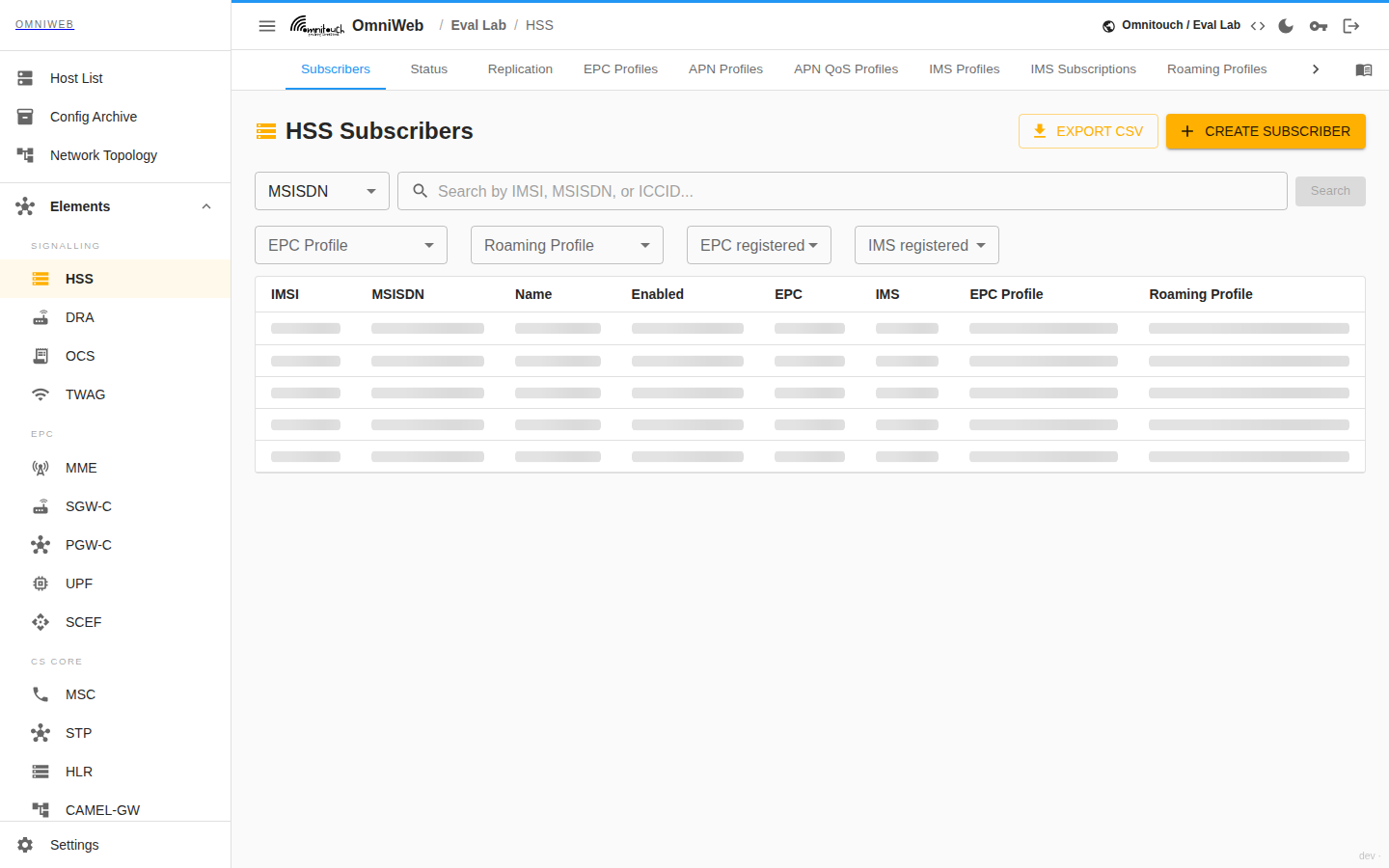
The landing tab is the subscriber directory. Search by IMSI, MSISDN or ICCID to find a record. The search also resolves a subscriber by IP address when you trace a live session back to its owner. Open a record to show the subscriber overview: a relationship diagram that ties the subscriber to its identity (IMSI), its status (enabled, and whether IMS is enabled), and the EPC, IMS and roaming profiles assigned to it. The page shows the profile's APNs beneath the EPC profile. The HSS holds sensitive key values but does not display them. You can update them, but they read back as redacted.
Provisioning
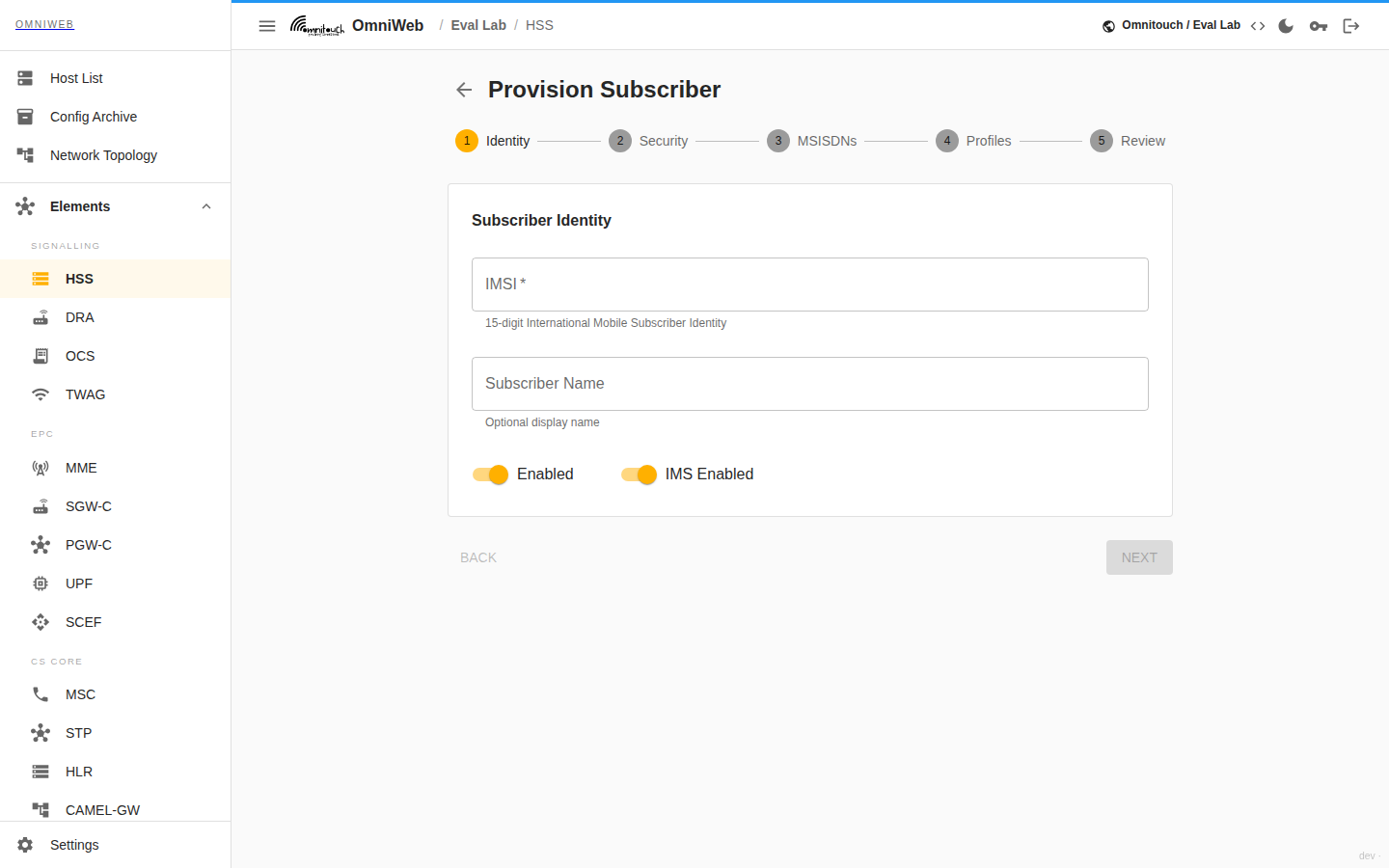
Create or edit a subscriber from the provisioning form. The form brings the identity, credentials, SIM and profiles together in one place:
- Subscriber identity: IMSI, a subscriber name, and the enabled and IMS‑enabled switches.
- Authentication key set: the authentication algorithm, Ki and OPc (or OP), AMF, SQN, and the SIP password used for IMS.
- SIM card: the ICCID, whether it is an eSIM, the PIN/PUK values and the batch and vendor details.
- Phone numbers: assign one or more MSISDNs. Search existing numbers as you type so you do not create a number twice.
- Assign profiles: attach the EPC, IMS and roaming profiles that give the subscriber its service.
You can update existing subscribers the same way. You can delete a subscriber from its record.
SIMs
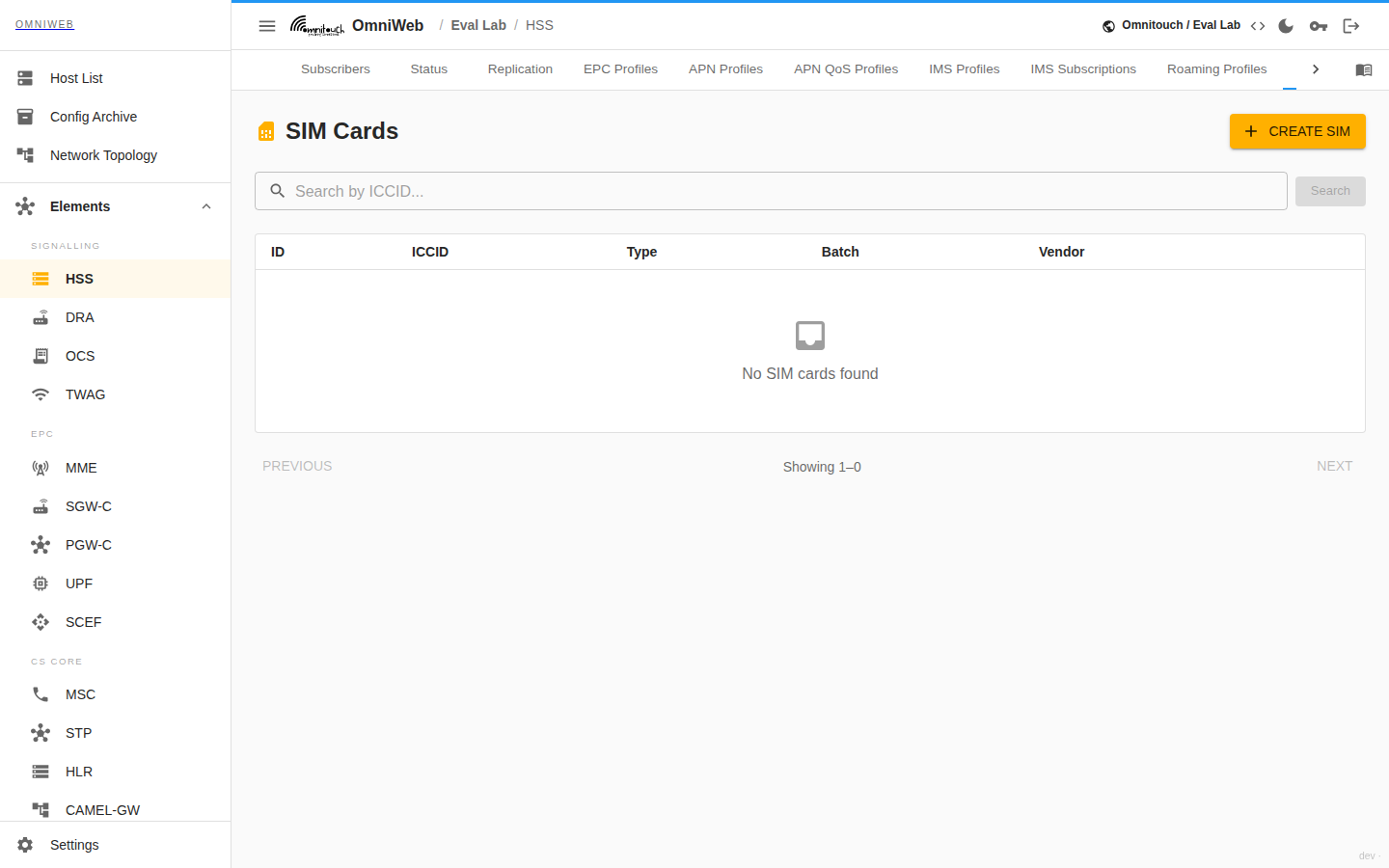
The SIM inventory holds every SIM the HSS knows. Search it by ICCID. Each SIM carries its ICCID, eSIM flag, batch name and vendor, its transport‑key values (KIC, KID) and eSIM LPA, and the full set of ADM keys. You can create, edit and delete SIMs. The authentication key sets the SIM records pair with are managed on their own tab.
MSISDNs
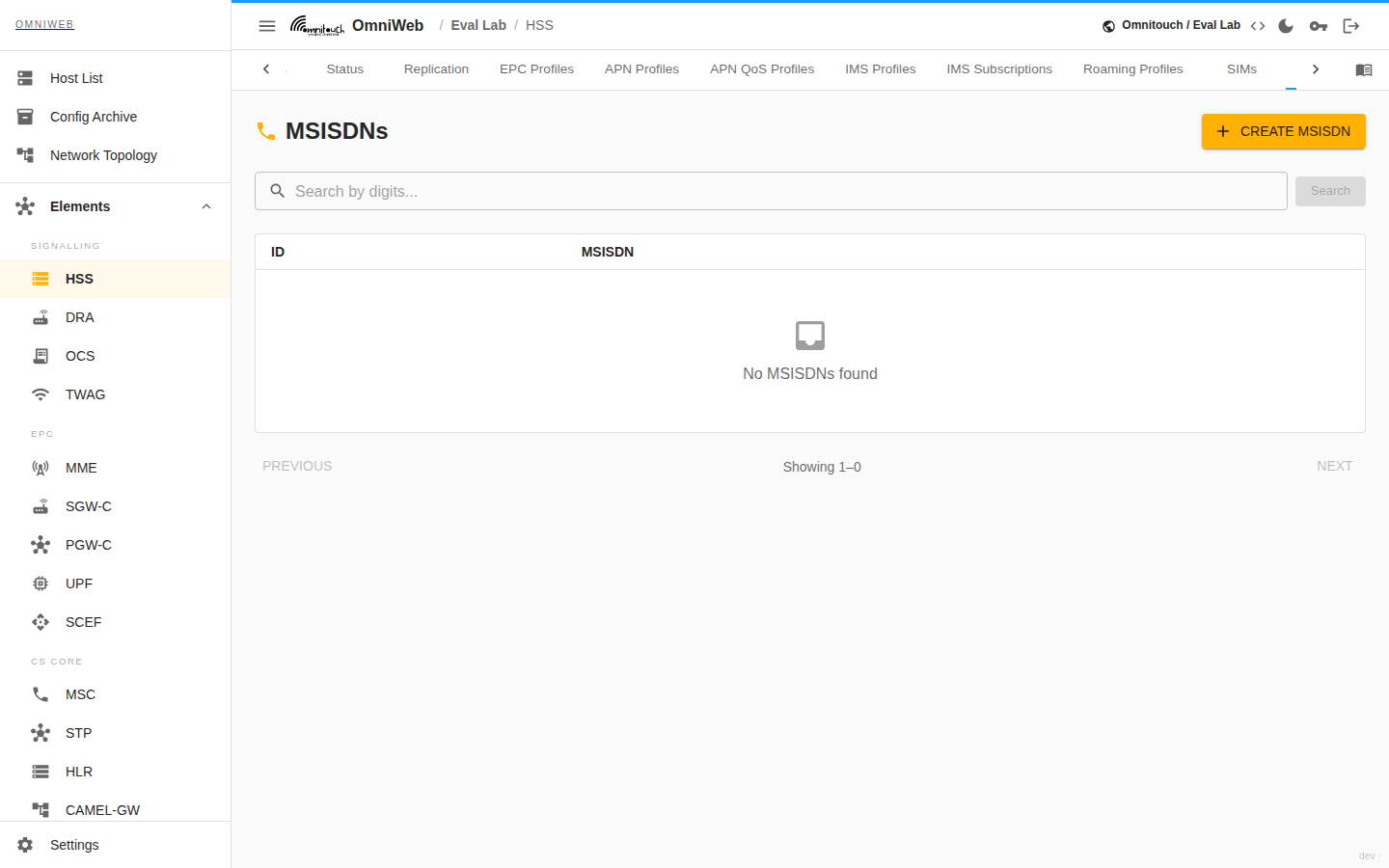
The MSISDN directory holds the pool of provisioned phone numbers. Search by digits for a partial match to find or check a number before you assign it. You can create, edit and delete numbers. You attach numbers to subscribers during provisioning.
Key Sets
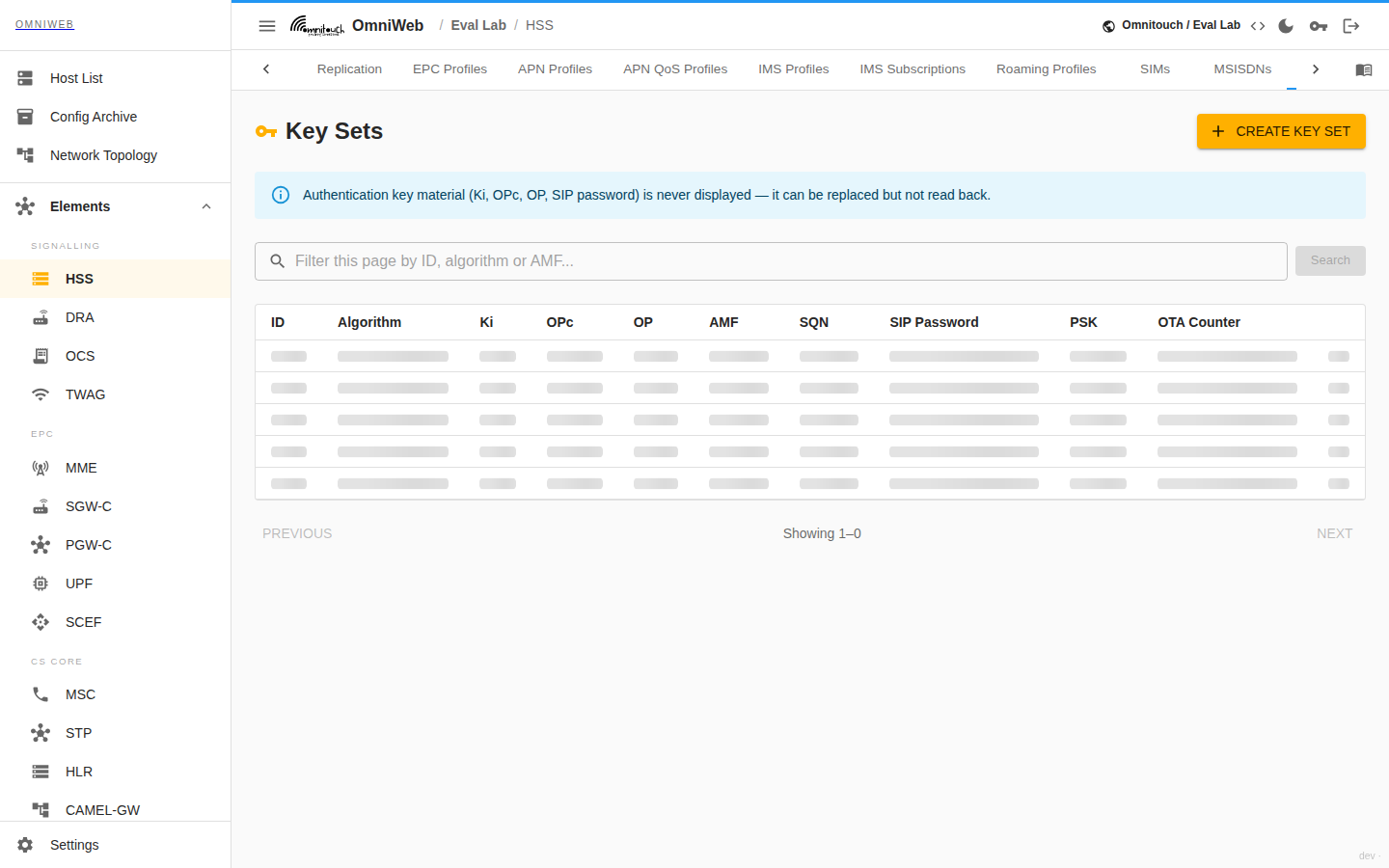
The key set directory is the authentication credential store every subscriber record points at. Each entry holds the algorithm (Milenage or Digest‑MD5), the key material, the AMF and the SQN sequence counter, and the optional SIM OTA counter. Filter the page by ID, algorithm or AMF. You can create, edit and delete key sets.
Key material is write‑only. Ki, OPc, OP and the SIP password are never shown — they read back as redacted, and an edit that leaves one blank keeps the stored value rather than clearing it. Deleting a key set that a subscriber still references stops that subscriber authenticating, so check before you remove one.
Service profiles
Service profiles are the reusable building blocks that state what a subscriber can do. A subscriber references them rather than carry its own copy. A change to a profile therefore applies to everyone who uses it.
EPC profiles
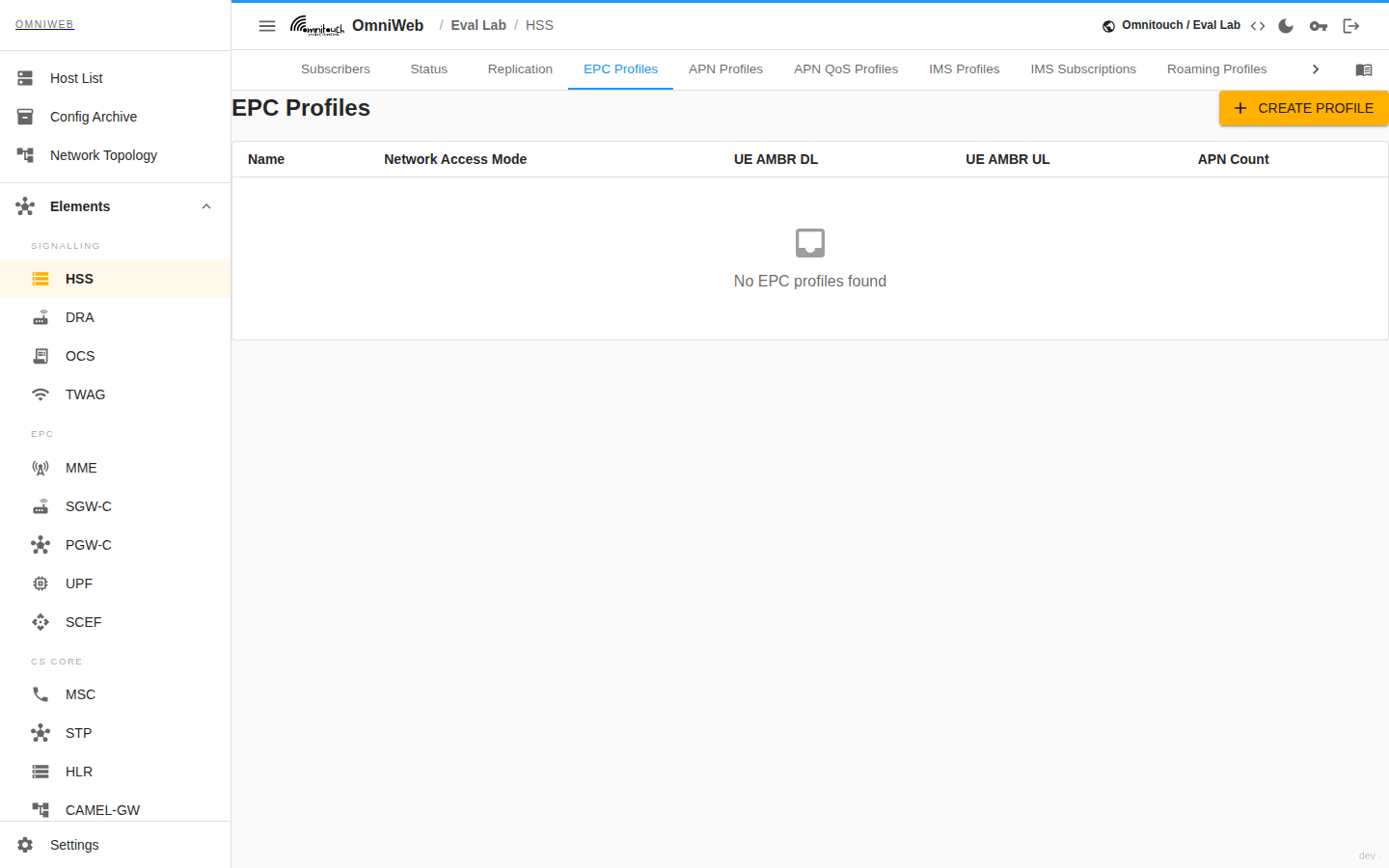
The packet‑core subscription the MME enforces. An EPC profile sets the network access mode, the UE‑AMBR downlink/uplink aggregate bandwidth, the TAU interval, and the list of APN profiles the subscriber can use. One APN is the default APN. Each APN profile ties an APN identifier to an APN QoS profile and a PCRF profile. You can mark an APN profile as the default. An EPC profile must reference at least one APN profile. The default APN must be one of the assigned APNs.
Expand an EPC profile to list its APN profiles. Add APN attaches an APN to the profile. The unlink action on each row removes it from this EPC profile only. The HSS keeps the APN profile itself. You can re‑add it later, or other EPC profiles can reuse it. A profile must keep at least one APN, so you cannot remove the last one. The HSS clears the default APN automatically if you remove the APN it pointed at.
APN Profiles
The APN Profiles tab lists every APN profile independently of the EPC profiles that use it. It shows its APN identifier, APN QoS profile and PCRF profile. The Used By column names each EPC profile that references the APN. It marks the APN Orphaned when no EPC profile references it. An APN reaches this state once you remove it from the last EPC profile that used it. The Orphaned only toggle filters the list to just those, so you can find and clean up unused APNs.
You can create profiles here, edit them, and delete them. A new profile starts unattached. To link it to a subscriber's service, add it to an EPC profile. You cannot delete an APN profile that is still linked to one or more EPC profiles. First remove it from those profiles, then delete it from this tab.
APN QoS Profiles
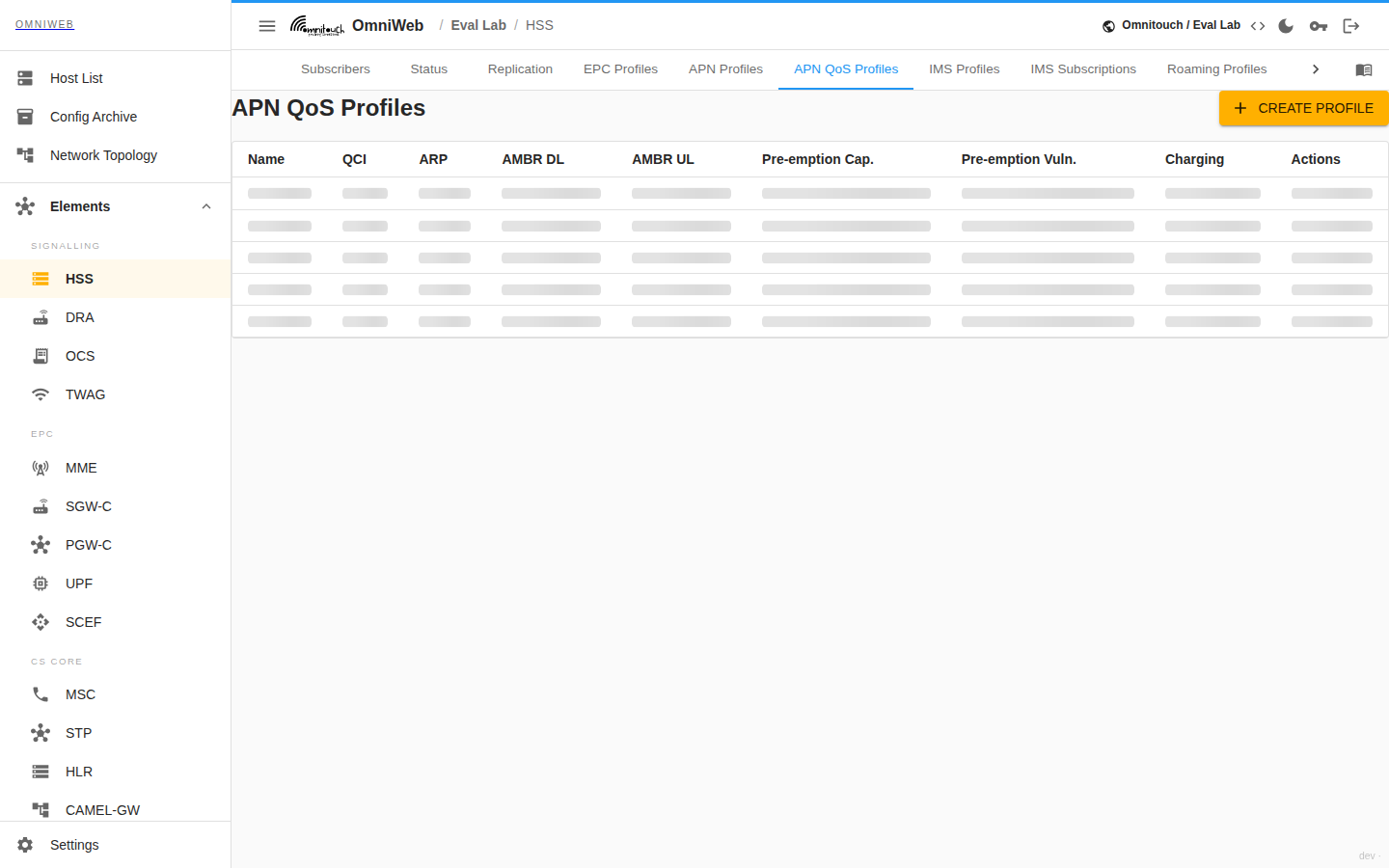
The APN QoS Profiles tab manages the reusable APN-level QoS templates that EPC and APN profiles point at. Every subscriber whose APN references a template gets the same quality of service on its default bearer. Each template carries a name and a QCI (the QoS Class Identifier that maps the bearer to a standardised delay and loss behaviour). It also carries an ARP (the allocation/retention priority), with pre-emption capability and pre-emption vulnerability flags. These flags decide whether the bearer can bump, or be bumped by, others when resources are scarce. Each template also carries the APN-AMBR uplink and downlink aggregate rates, and whether online and offline charging are enabled.
You can create, edit, and delete templates. You can also clone a template to derive a new variant. An APN profile references a QoS template rather than carry its own copy. If you edit a template, you re-shape the QoS of every APN that uses it. You cannot delete a template that an APN profile still references. First reassign those APNs.
APN QoS profiles
The per‑APN quality‑of‑service settings an APN profile points at: the QCI, ARP and pre‑emption capability/vulnerability, the APN‑AMBR downlink/uplink bandwidth, and whether online (Gy) and offline (Rf) charging apply. You can clone a profile to derive a new variant from an existing one.
IMS profiles
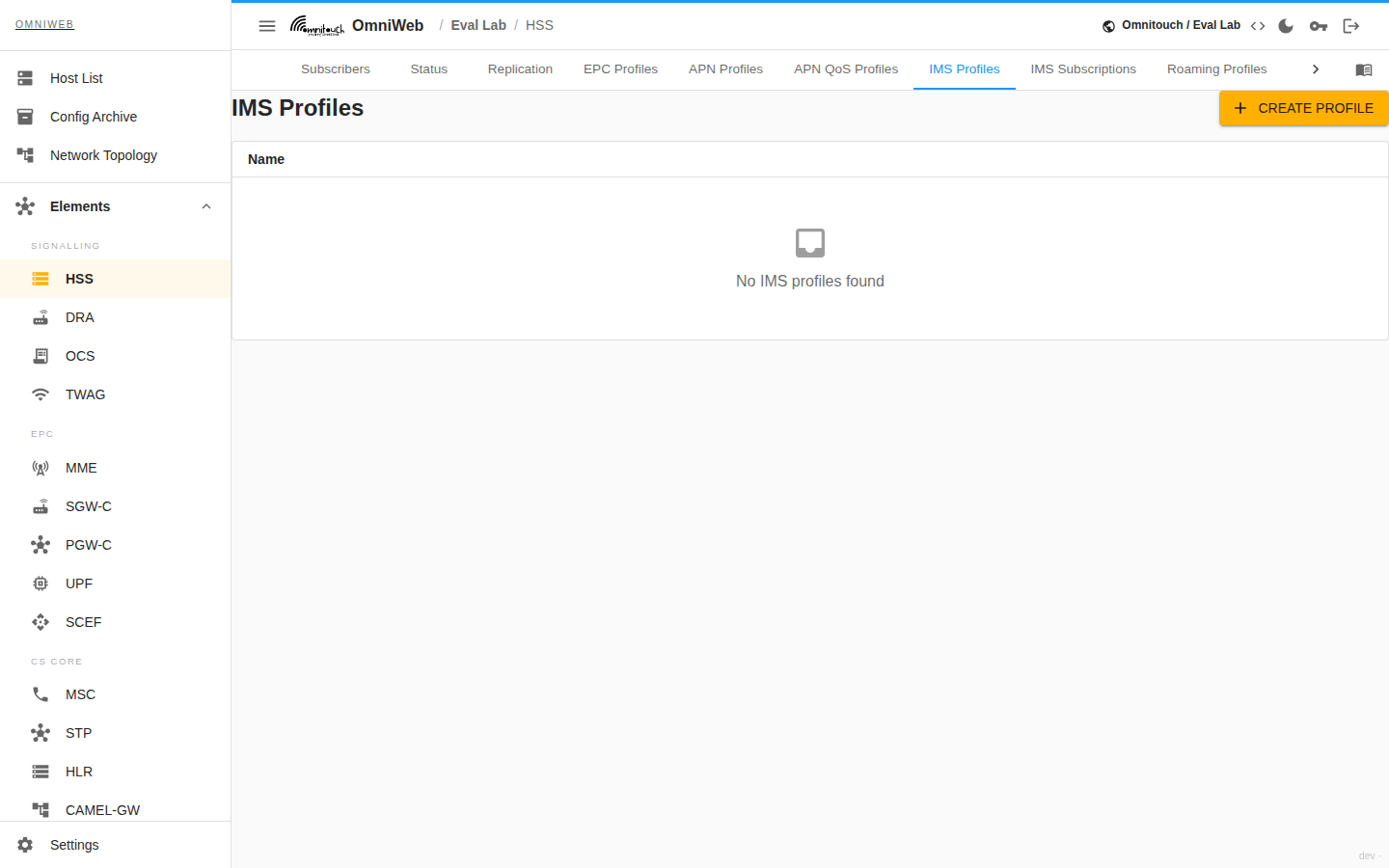
The IMS subscription the CSCF reads over Cx. An IMS profile carries an iFC template: the initial‑Filter‑Criteria that decide which application servers receive a subscriber's SIP traffic. You can create, edit and delete profiles.
Static IPs
Fixed IP allocations for subscribers that must always receive the same address, managed alongside the EPC subscription data.
PCRF
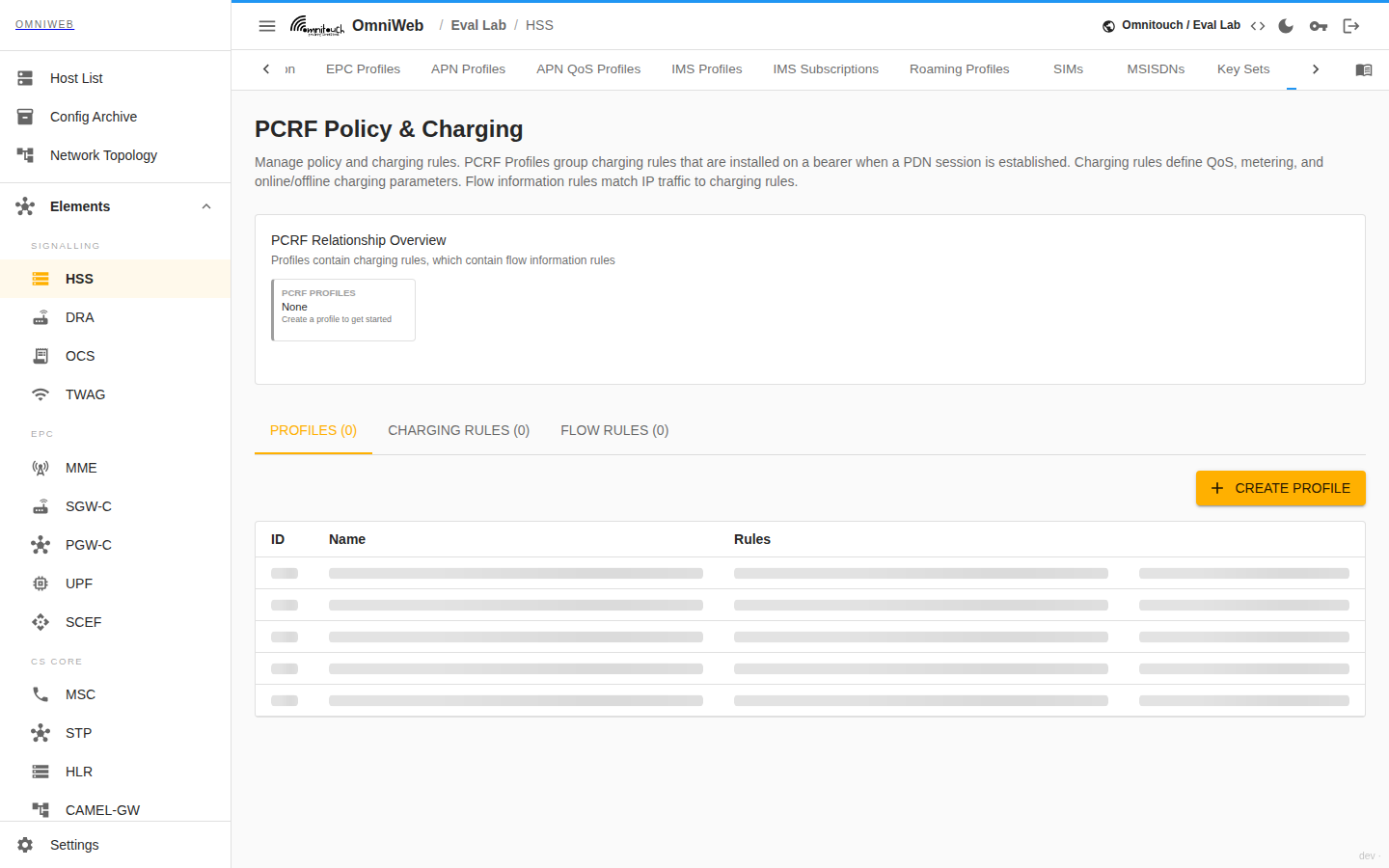
The policy layer the PCRF applies. A relationship view links the three parts:
- PCRF profiles: the named policy a subscriber's APN references, made up of a set of charging rules.
- Charging rules: each with a rule type and precedence, a QCI and ARP, MBR/GBR downlink/uplink limits, and a rating group and service identifier for charging. A dedicated bearer carries a rule with an MBR or GBR.
- Flow‑information rules: the traffic flow templates attached to a charging rule that define which packets it matches.
You can create, edit and delete all three. If you edit a charging rule, you affect every profile that uses it.
Roaming
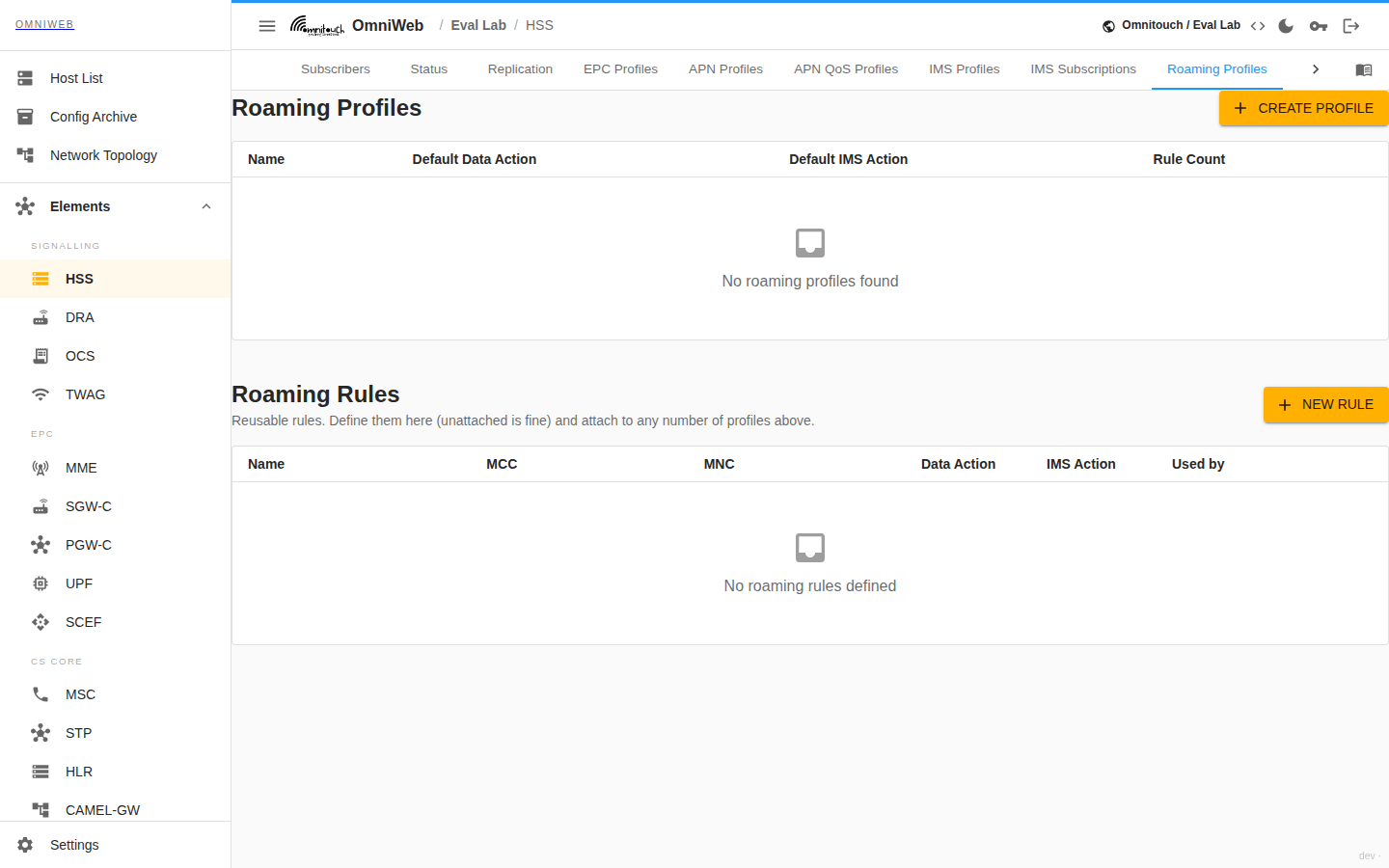
The roaming policy the HSS applies to inbound and outbound subscribers. A roaming profile sets a default data action, a default IMS action, and a list of roaming rules. Each rule keys off an MCC/MNC and sets the data and IMS action for that network. You can therefore allow or block specific visited networks while the profile default covers the rest. To add a rule, use the operator lookup to find a network's MCC/MNC from an operator name (from IR.21). Rules are shared. If you edit a rule, you affect every profile that uses it.
EIR
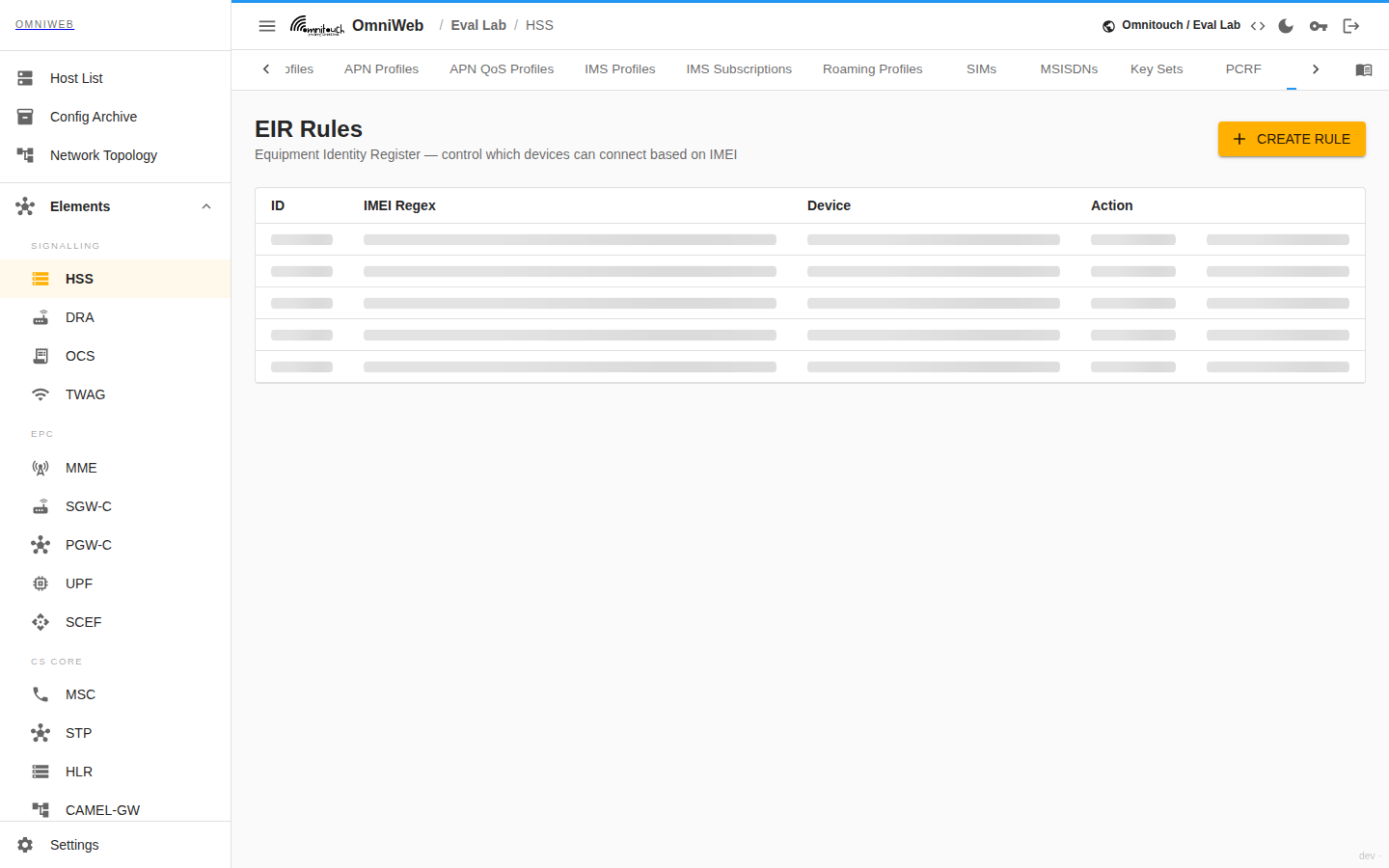
The Equipment Identity Register. Each EIR rule matches an IMEI by regular expression and sets an action: allow or block. You can therefore bar a device model or a specific handset from the network. A device‑model search helps build the IMEI pattern. You can create, edit and delete rules.
Status
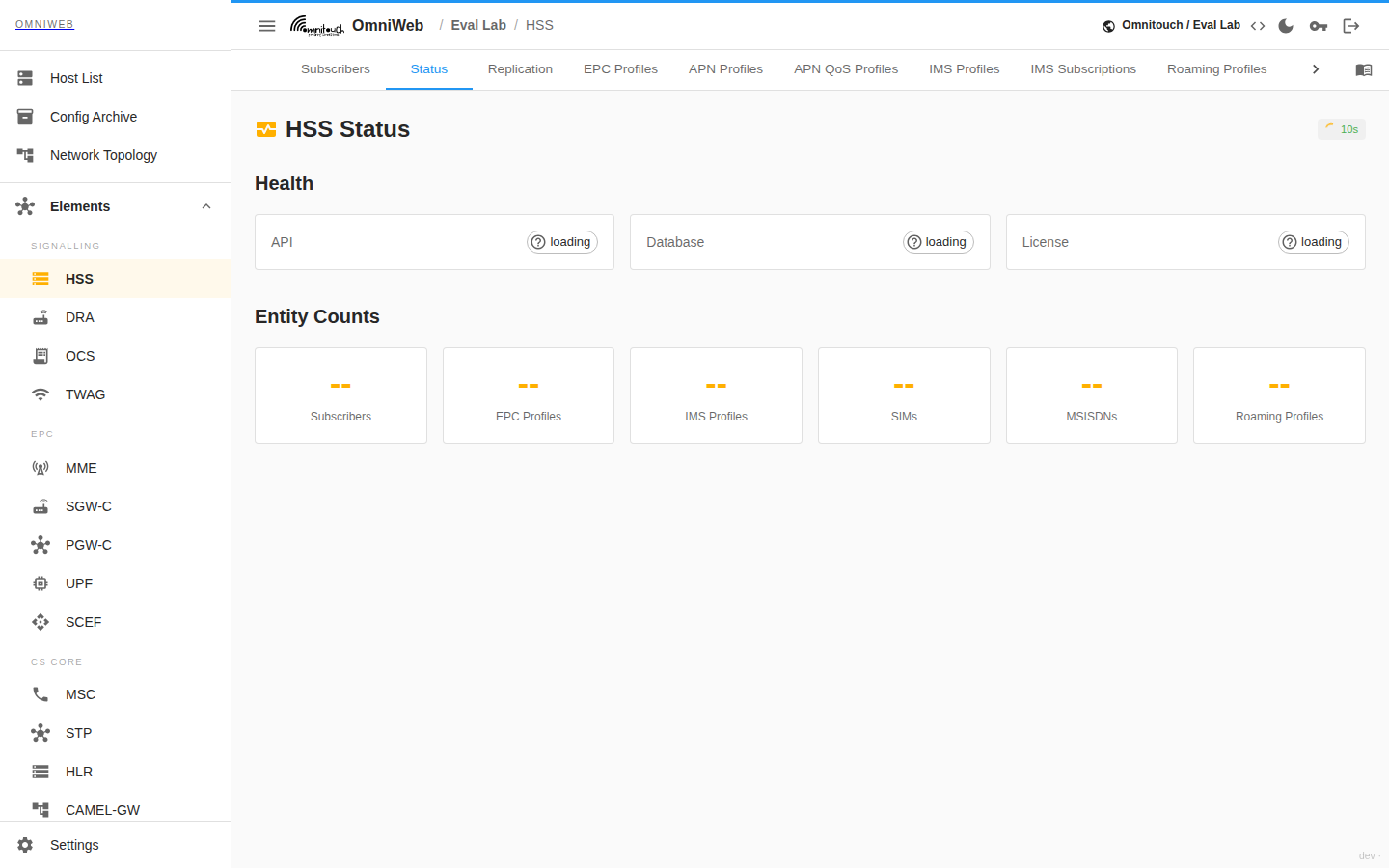
A single‑screen health read of the HSS itself: the API, database and license health, and the entity counts for total subscribers, EPC profiles, IMS profiles, SIMs, MSISDNs and roaming profiles. It is the quickest confirmation that the HSS is up and how much it carries. Grafana embeds provide the monitoring and statistics dashboards.
The Replication tab shows the status of database replication to any peer HSS instances. The Logs tab tails the HSS's live log output. Use it to troubleshoot a single instance without leaving OmniWeb.
Replication
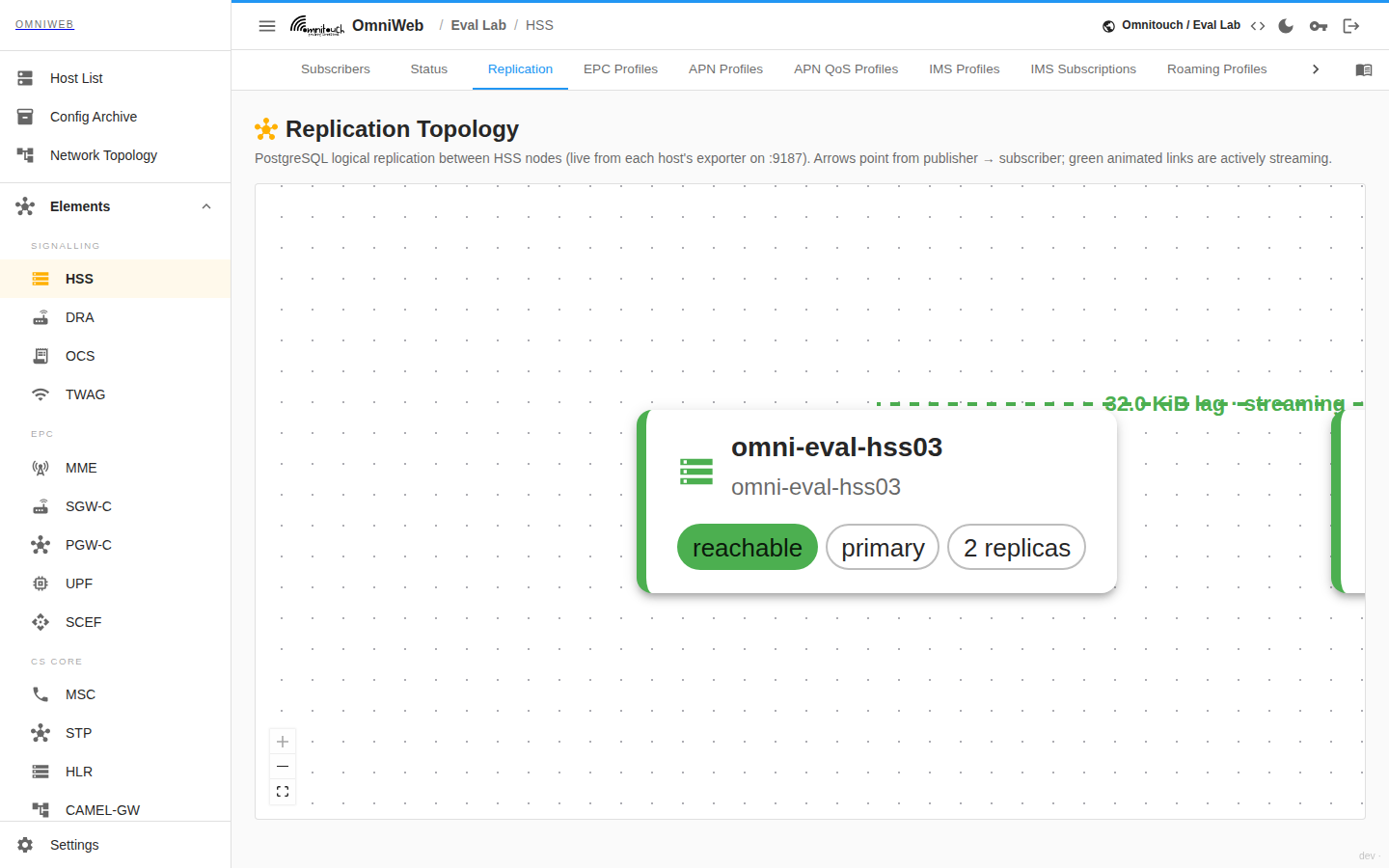
The Replication tab reads the PostgreSQL replication health of the HSS node's subscriber database and draws it as a live topology. Each node shows whether its database is a primary or a standby. A standby is a node that is in recovery. It replays the primary's changes rather than accept writes of its own. For a primary, the tab draws every connected standby as a downstream link. The link shows the standby's client address, the replication slot it streams through, its streaming state, and the replication lag measured against the primary's current WAL position. The tab shows the lag in bytes, so a replica that falls behind stands out at a glance. Whether each replication slot is currently active determines whether its link reads as healthy or broken.
An operator uses this tab to confirm that the subscriber database replicates across the HSS cluster: that a change provisioned on one node will reach the others, and that a standby exists to fail over to. A lagging replica shows a growing lag figure. A broken or disconnected replica drops its link. If two or more HSS instances run but none of them replicate, the tab flags the whole cluster as a replication gap. Correct this before it becomes a data-loss risk.
Operations
Two subscriber‑level operations act on a live session rather than on the stored record:
- Cancel‑Location (CLR): send an S6a Cancel‑Location‑Request to a subscriber's serving MME. This detaches the subscriber, so it re‑attaches and picks up changed subscription data.
- PCRF Re‑Auth: request that the PCRF re‑authorise a subscriber for a given PDN session. This pushes updated policy or charging rules onto an active session.
Related
- MME: reads subscriber authentication and EPC subscription data over S6a. It is the target of a Cancel‑Location.
- CSCF: reads the IMS profile and iFC over Cx for IMS registration and service triggering.
- PCRF / PCF: applies the PCRF profiles, charging rules and flow rules held here. It is the target of a Re‑Auth.
- UDR: the shared subscriber data store the HSS front‑ends in a 5G core.
- Operations Guide: back to the element index.