Payment Processing with Stripe
OmniCRM integrates with Stripe to handle electronic payment processing, ensuring secure and efficient transactions for customers.
See also: Payment Methods , Billing Overview , Invoices , Transactions .
Stripe is used to manage both card storage and purchases, while detailed financial metrics are available directly through the Stripe dashboard.
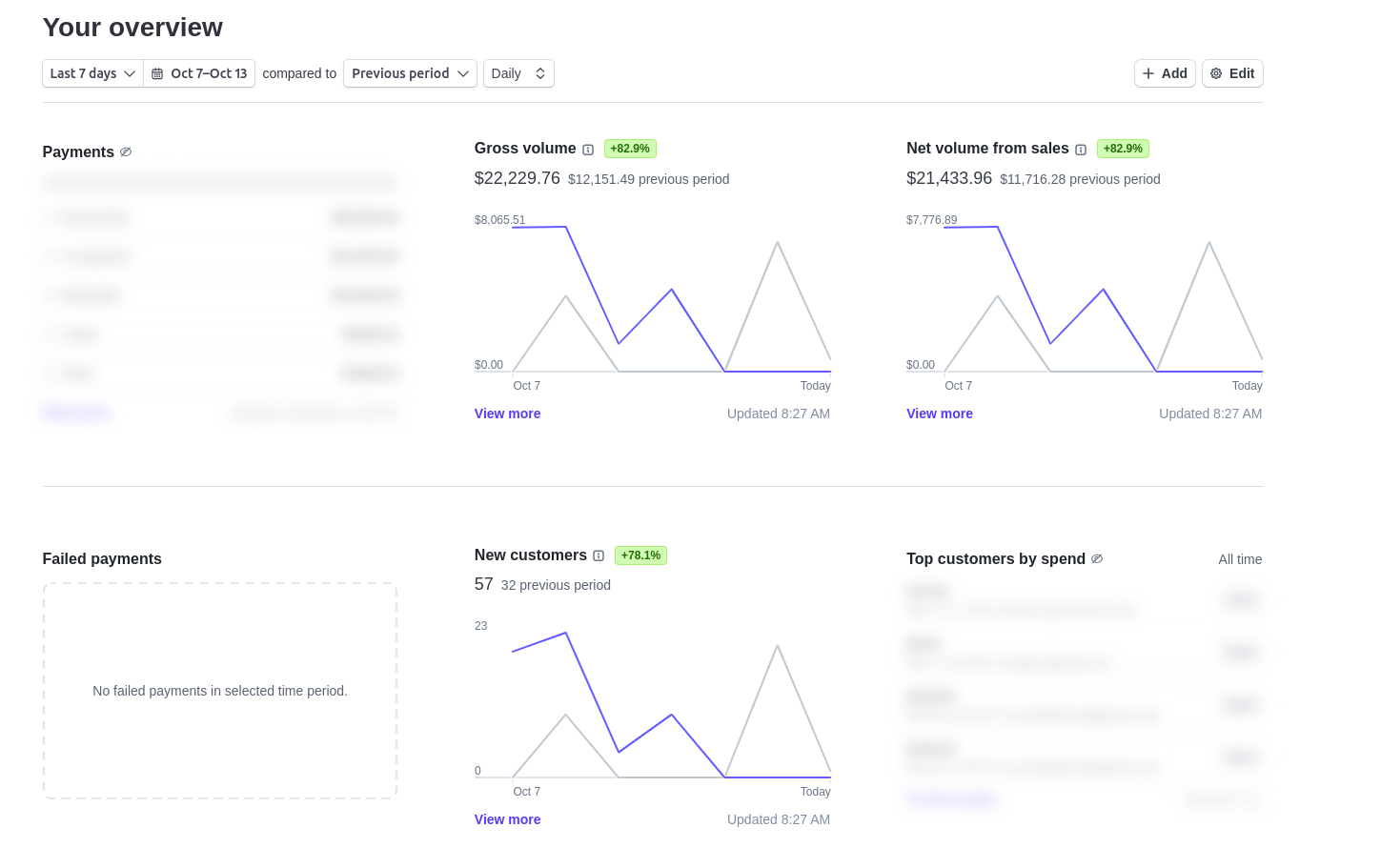
Card Storage and Payments
In OmniCRM, customer cards are stored as Stripe Tokens. These tokens allow for secure storage and handling of sensitive payment information without storing actual card details within OmniCRM itself. This provides an added layer of security, as the sensitive card data is managed entirely by Stripe.
When a customer makes a purchase, OmniCRM uses these Stripe tokens to process payments seamlessly through the Stripe platform, this ensures that all transactions are secure and compliant with industry standards.
When triggering transactions via the API or the OmniCRM interface, the system will automatically process payments using the stored Stripe tokens. This allows for quick and secure payment processing, ensuring a smooth experience for both operators and customers.
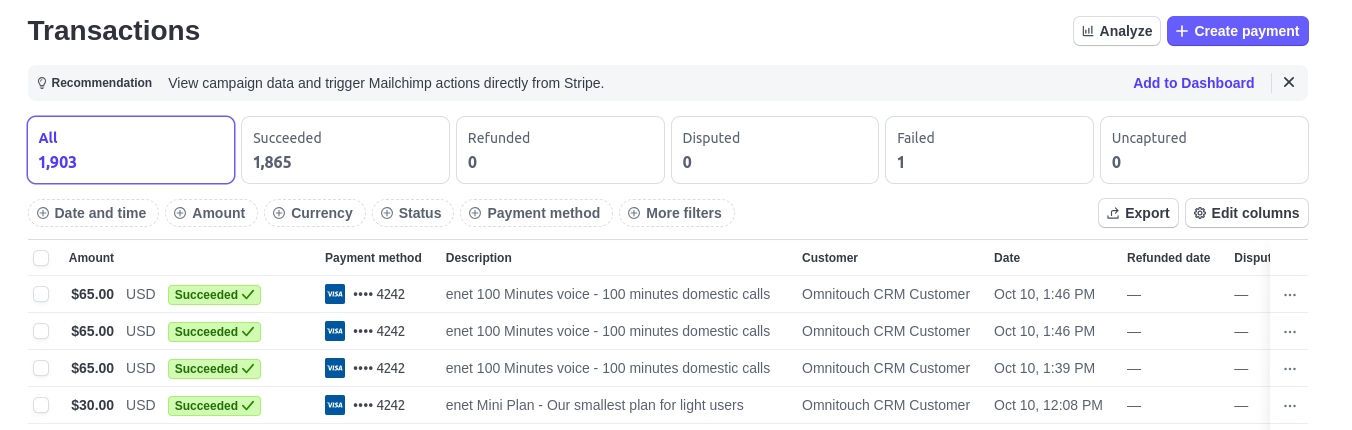
Financial Metrics
For detailed financial analytics and reporting, operators can access the Stripe Dashboard. This dashboard provides insights into transactions, revenue, fees, and other important metrics related to payment processing.
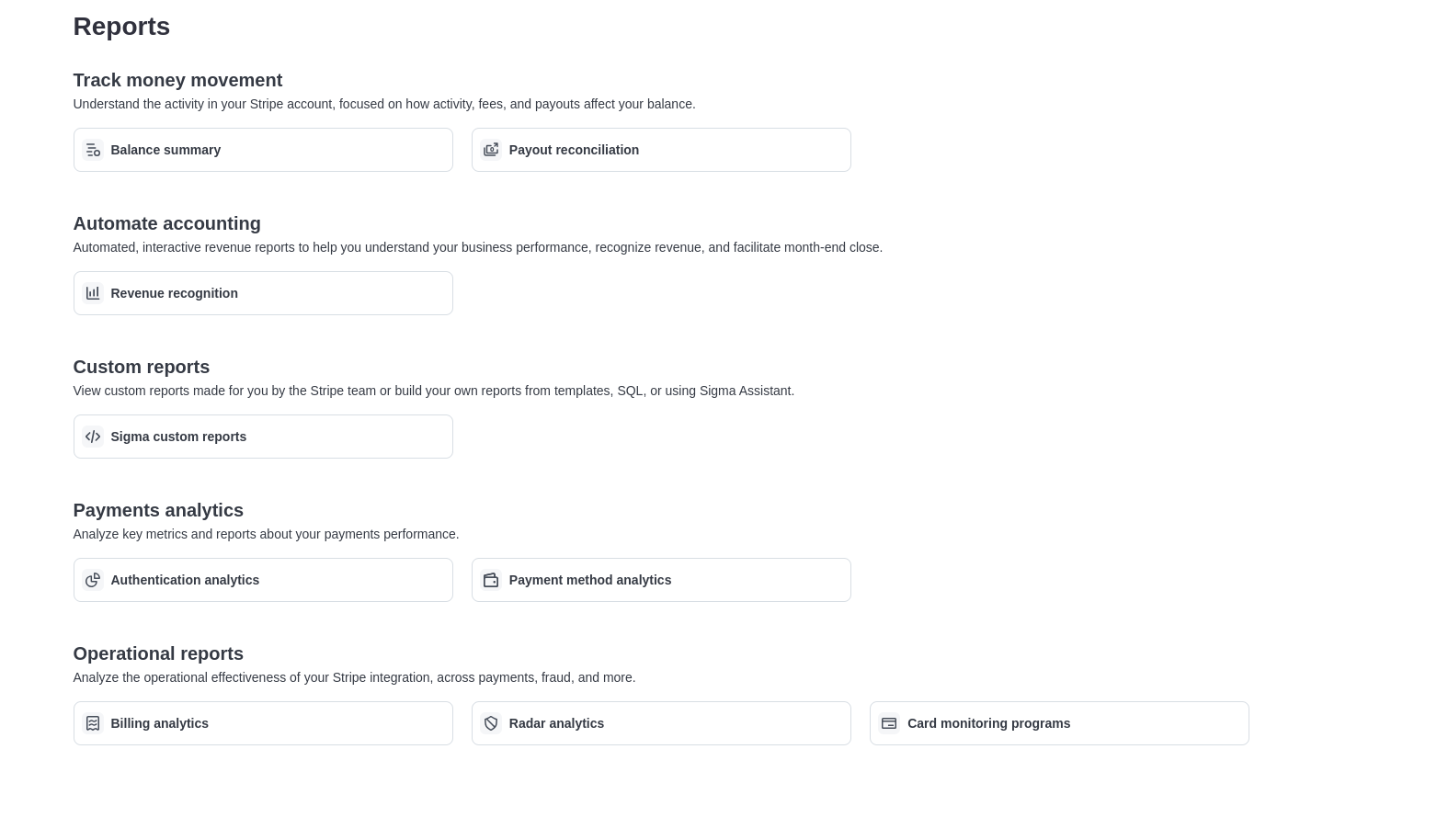
Some of the key metrics available from the Stripe Dashboard include:
- Revenue and Payments: View total revenue, successful payments, and refunded amounts.
- Transaction Fees: Detailed reporting on fees applied to each transaction.
- Disputes and Chargebacks: Metrics on any disputes or chargebacks, allowing you to track and manage financial risks.
Operators can use the Stripe dashboard to get a comprehensive overview of their financial performance, making it easier to monitor sales, manage payments, and track overall business health.
Accessing Stripe Dashboard
For more detailed financial reporting, navigate to the Stripe Dashboard at:
This dashboard provides real-time financial information, ensuring full transparency over all transactions processed through Stripe.