Process Payments
The majority of payments will be processed automatically by the system, but there are times when you may need to process a payment manually.
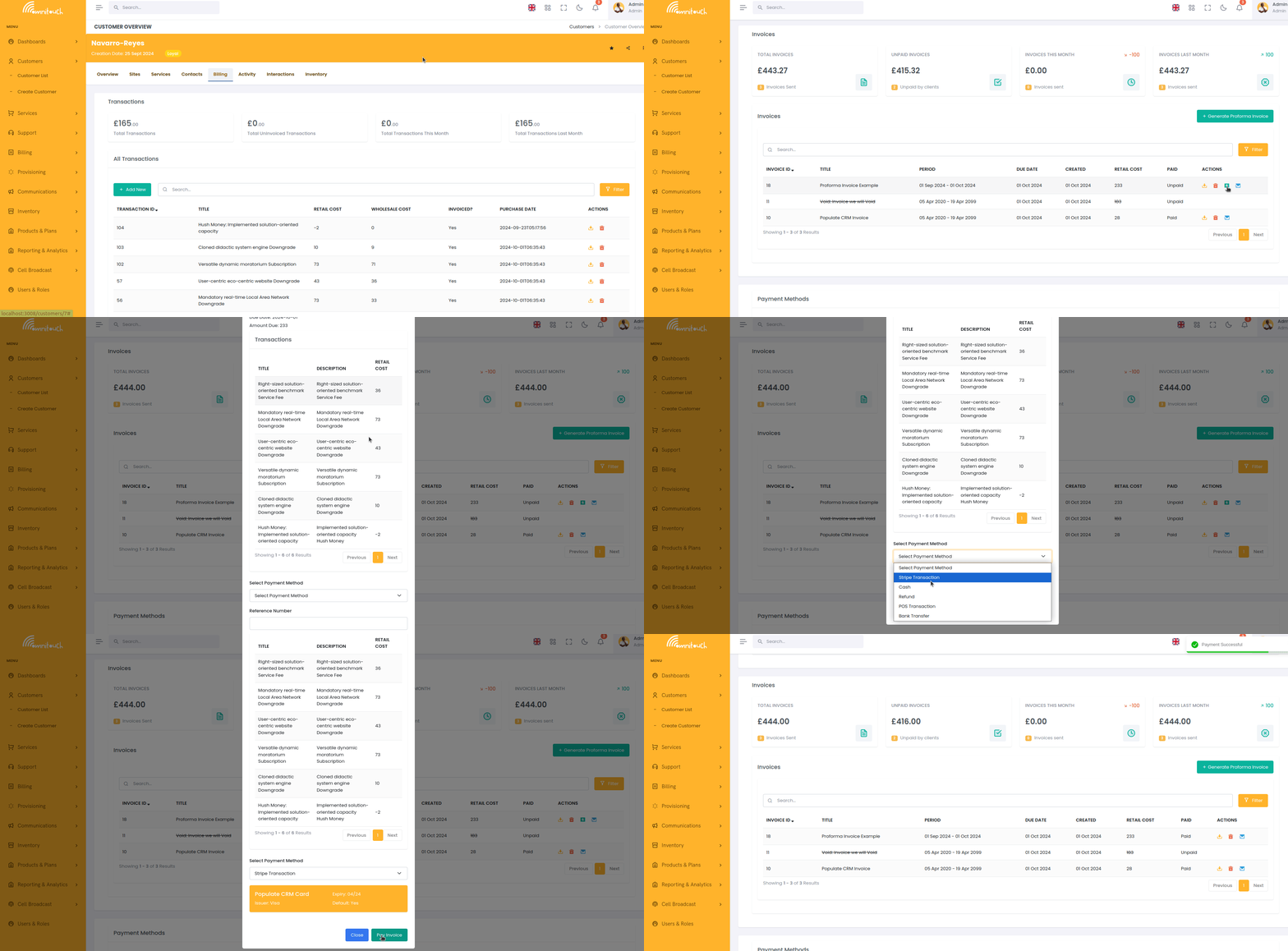
To pay an invoice, select the unpaid invoice, and click on the "Pay" button.
This will open a payment form, where you can enter the payment method, and click "Submit" to process the payment.
The customer will automatically receive a receipt for the payment, and the invoice will be marked as paid.
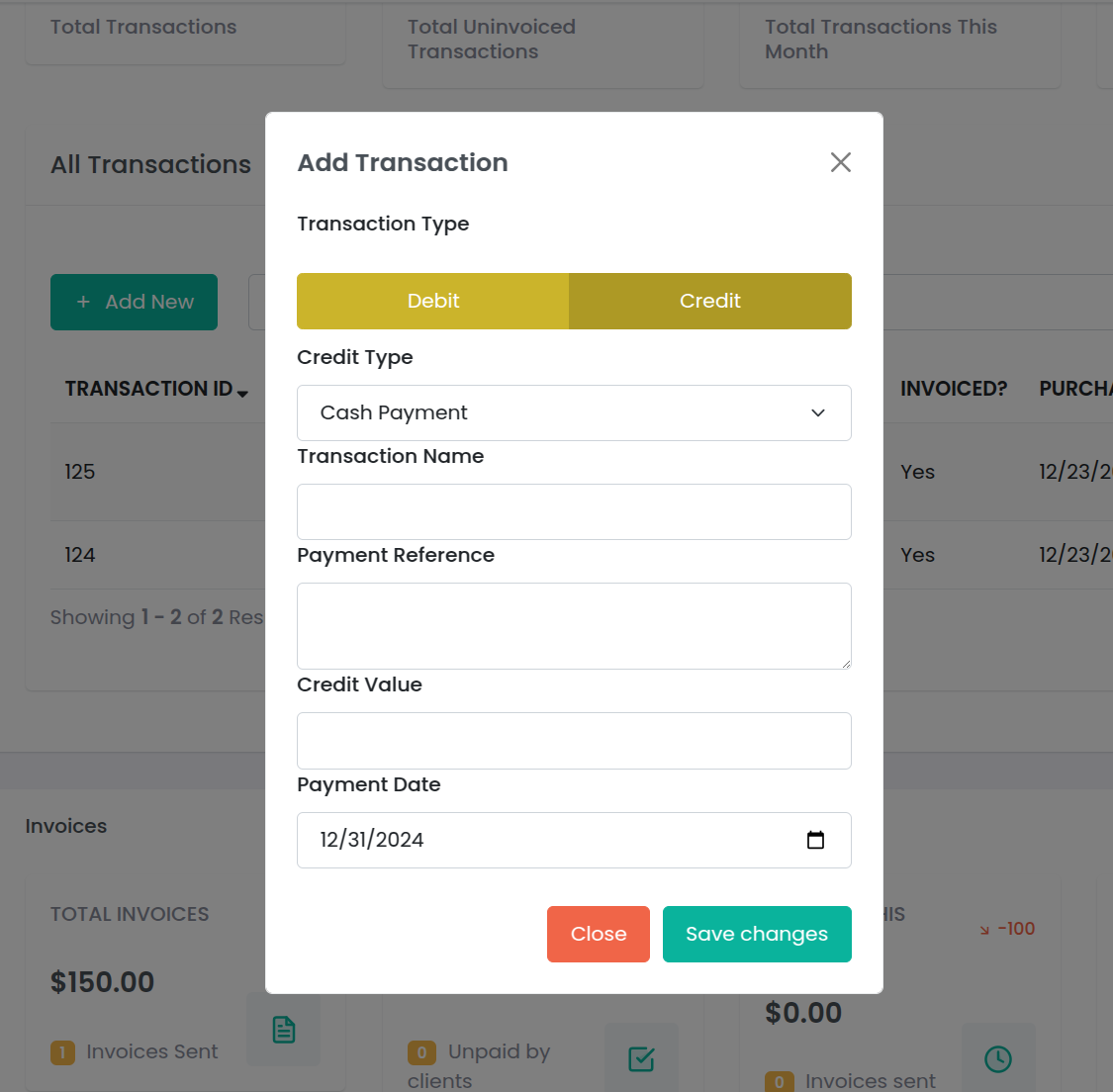
For bank transfers, you can enter the Payment reference and the date the payment was made (if different from the current date).